
The content production tool built around your brand
From brand guidelines to your marketing channels, in 4 steps
What you do once, and what Masstock does on every run.
01
Lay your foundations
Your brand guidelines (logo, colors, fonts, tone, legal notices), product catalog and reference media: imported once, reused in every output.


The platform, block by block
From brand guidelines uploaded once to export to your communication channels.
The workspace holds your plan, your seats and your billing. Each brand in it holds its creative inputs: logos, palette, fonts, tone, legal notices and products. A team or an agency manages several brands from the same workspace.
The brand center holds your brand guidelines. Every automation applies them when it produces.
Every automation has its own configuration page. For each section, you decide whether it stays fixed or changes from one run to the next.
Runs are queued and processed in the background. Finished outputs are available without waiting for the whole batch.
- Batch: delivered within a few minutes to a few hours, base rate.
- Priority: jumps the queue, twice the credits.
Every workflow has approval checkpoints. You compare variants side by side, comment and approve before export. Automatic checks filter out inappropriate or off-brand outputs upstream.
Every output is filed automatically with its metadata: automation, parameters, date. Folders, versions and search let you find any visual.
Masstock is designed to connect to your tools: PIM and DAM for product data, ad platforms and social networks for distribution.
Every generation uses credits, and their dollar equivalent is shown before you run it. A failed generation is never charged.
The right AI model for each piece of content
Every automation uses the model best suited to the content it produces. We maintain the automations so they always run on the best models available.
- Seedance 2.5Cinematic videos up to 30 s
- GPT Image 2.5 FlareEveryday images, fast
- Kling 3.0Cinematic videos with audio
- FLUX 3 ImageNext-gen generation and editing
- FLUX.3 VideoVideo with synchronised audio
- Grok Imagine 2.0High-resolution images
- Wan 3.0Text, keyframes or references
- Grok Imagine 1.5Video with synchronised audio
- GPT Image 2.5 SunburstExceptional quality, precise edits
- Google Veo 3.1Video with sound
- Nano Banana Pro4K generation and editing
- Kling 3.0 Omni EditEdit videos with text
- Recraft V4.1Photorealistic and expressive
- MiniMax Hailuo 2.3Fast, high-dynamic video
- TopazHigh-resolution upscaler
- Grok Imagine 1.5 LiteFast and affordable
- Gemini Omni Flash 1.1Generate and edit from any input
- Seedream 5.0 ProConsistent images, visual reasoning
- Kling Motion ControlMotion transfer
- FLUX.2Speed-optimised detail
- MiniMax H3Multimodal 2K videos
- Z-ImageInstant lifelike portraits
- HappyHorseVideo and audio
Models used vary by automation. The list follows the state of the art.
Automations in action
A few examples of what Masstock produces at scale, from your files and your brand guidelines.
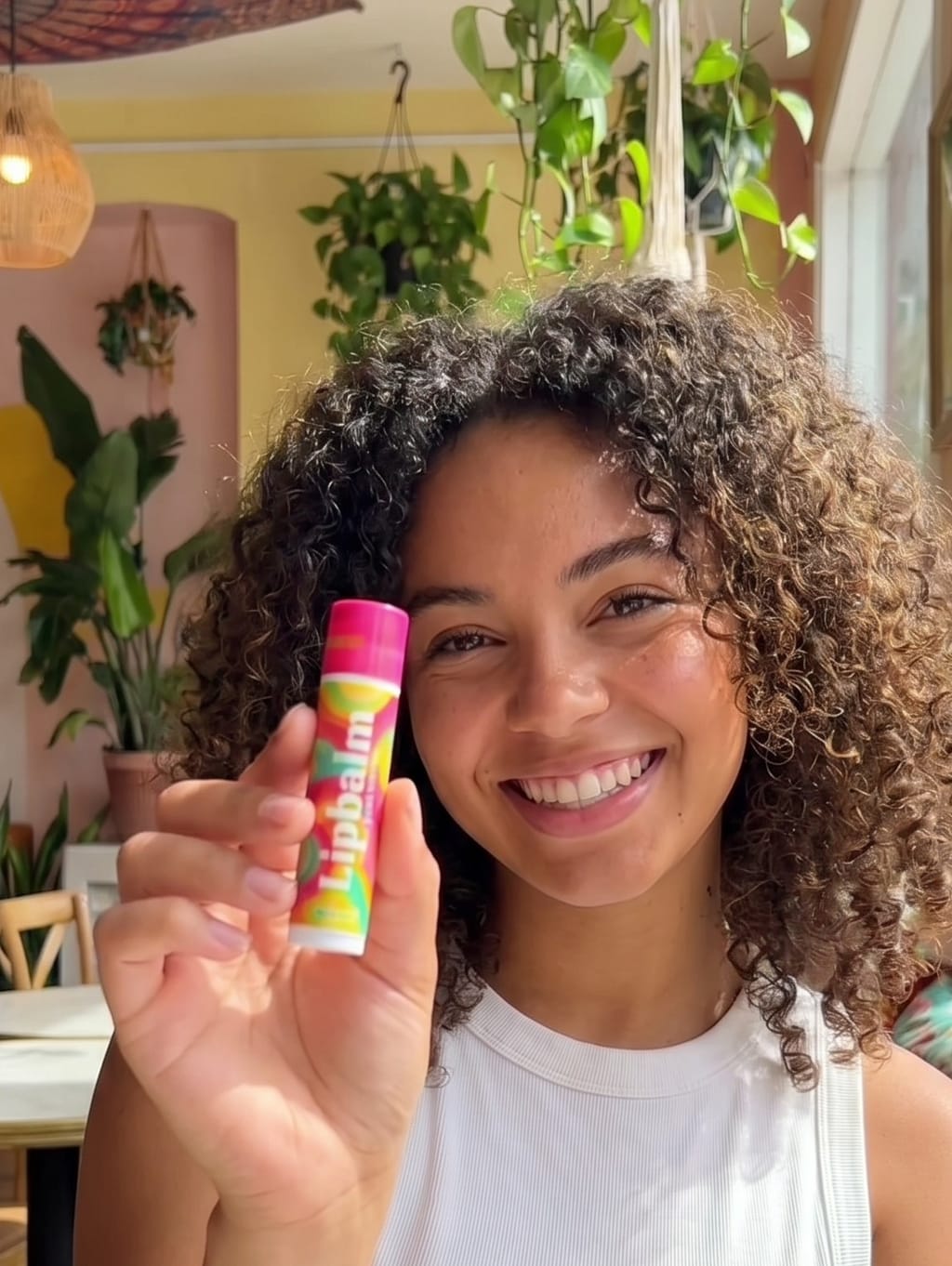
Beauty and cosmeticsVideo
UGC Video Studio
AI UGC videos for your products, without hiring creators.
Batch capacityUp to 20 products per batch.
All parametersCreate UGC videos with AI
Parameters
- Avatar, LockedAvatar 03
- Tone, LockedCasual
- Language, LockedEnglish
- Format, Editable9:16
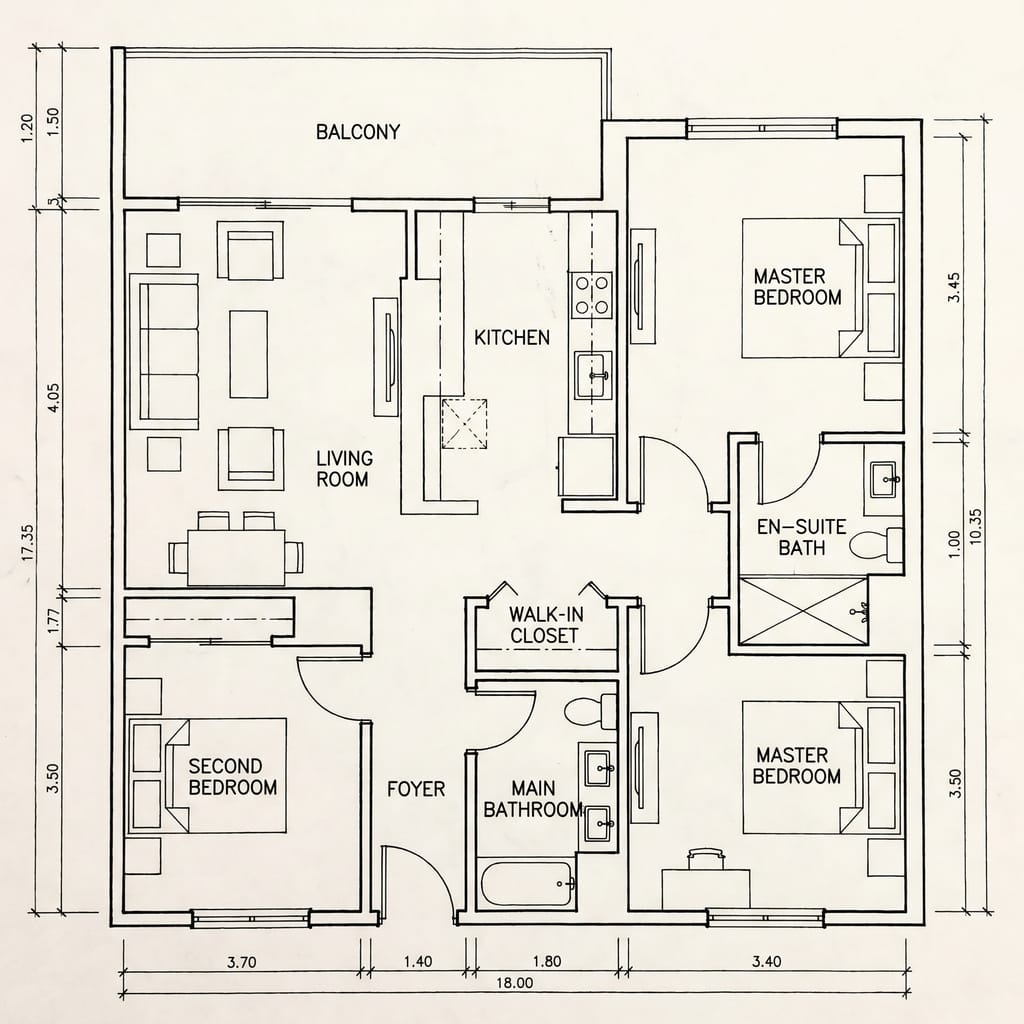
Real estateImage
2D floor plans to 3D renders
Turn 2D floor plans into photorealistic 3D renders, room by room.
Batch capacityUp to 50 floor plans per batch.
All parametersTurn 2D floor plans into 3D renders
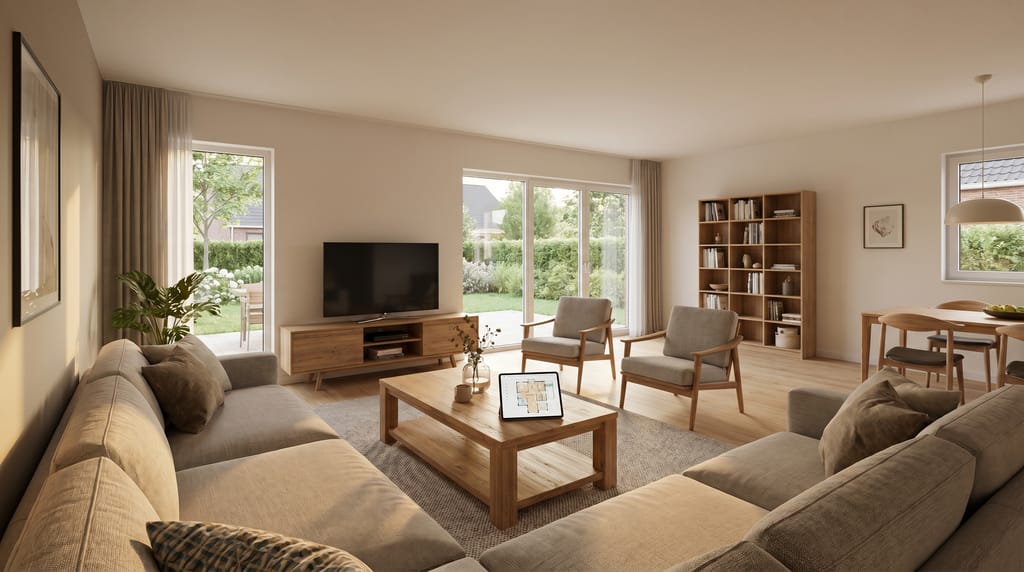
Parameters
- Decoration, EditableScandinavian
- Furnishing, LockedFurnished
- Staging, LockedNo people
- Variants per room, Locked4
E-commerce, cross-categoryImage
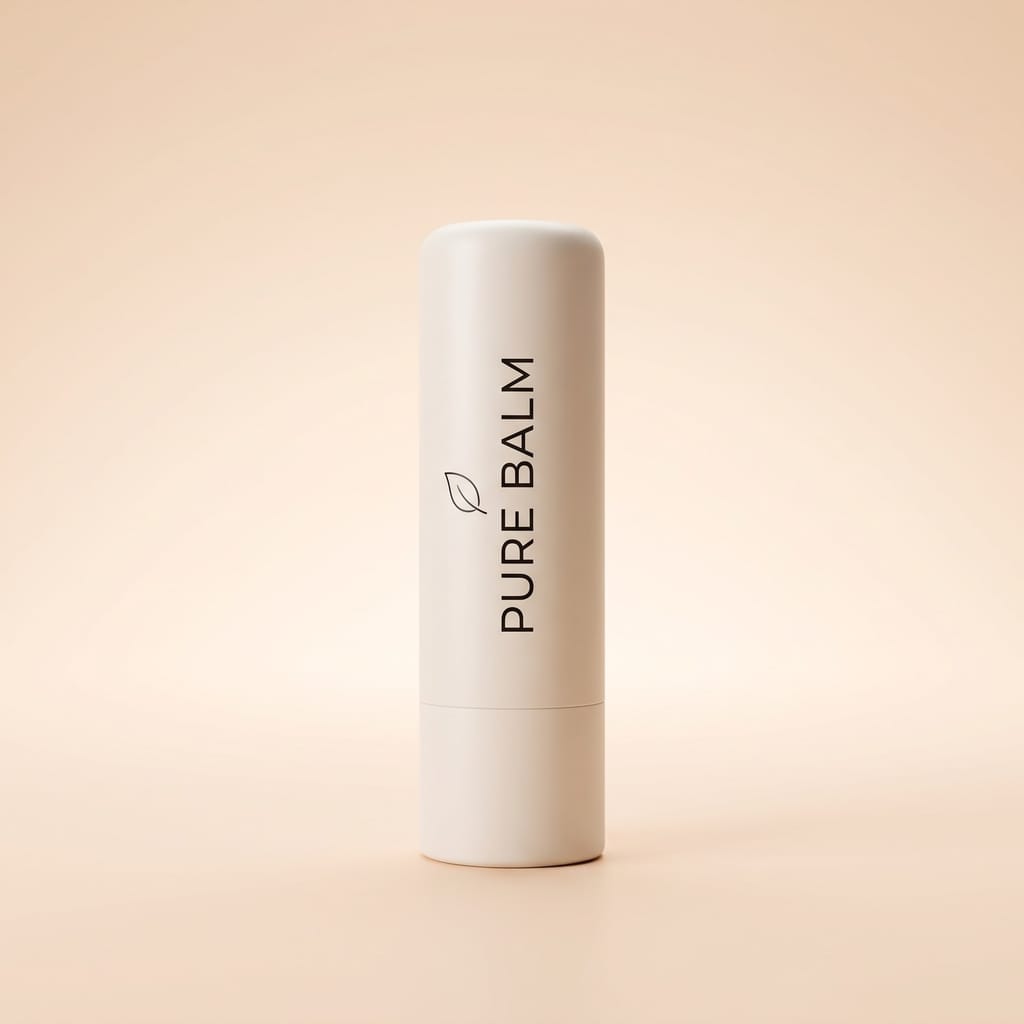
Product in context
Put your products in context with AI: one packshot, dozens of lifestyle visuals.
Batch capacity50 to 100 visuals per product.
All parametersPut your products in context, in batches
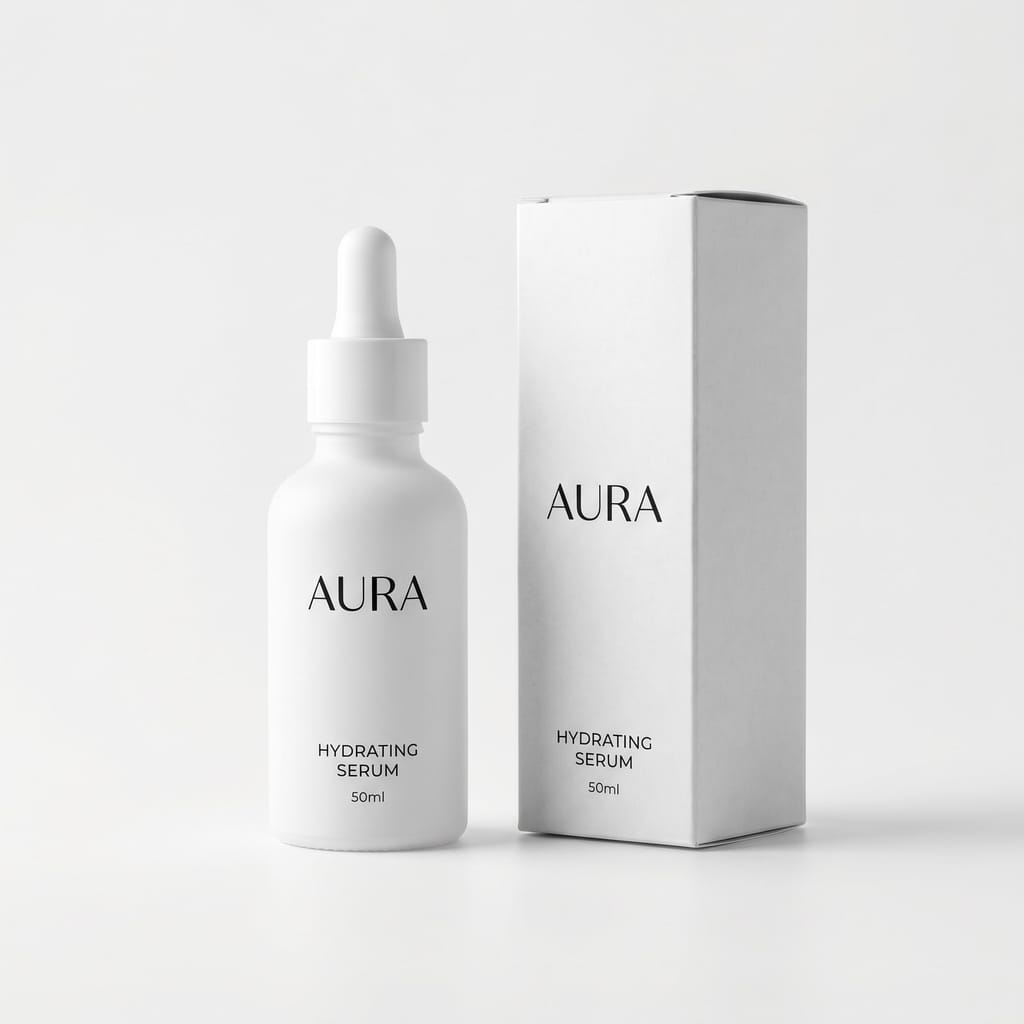
Parameters
- Scene, EditableNatural linen
- Lighting, LockedNatural
- Angle, LockedThree-quarter
- Background, LockedBrand



Your workflows are different?
Describe it to us: we will tell you how to automate it.
See the platform on your production
A 30-minute demo on your own content: configuration, running a batch, approval.
Book a demo


